


Developing
02h 14m
The roll opens together
Host dashboard
Step 01
Create the film
Set a reveal time, a shots-per-guest limit, and a film look. Two minutes.

For weddings, parties, small festivals
Guests scan a QR code, capture the night in any phone browser, and wait for the reveal. No app to download. No accounts. The roll develops when you say it does.
Try it now
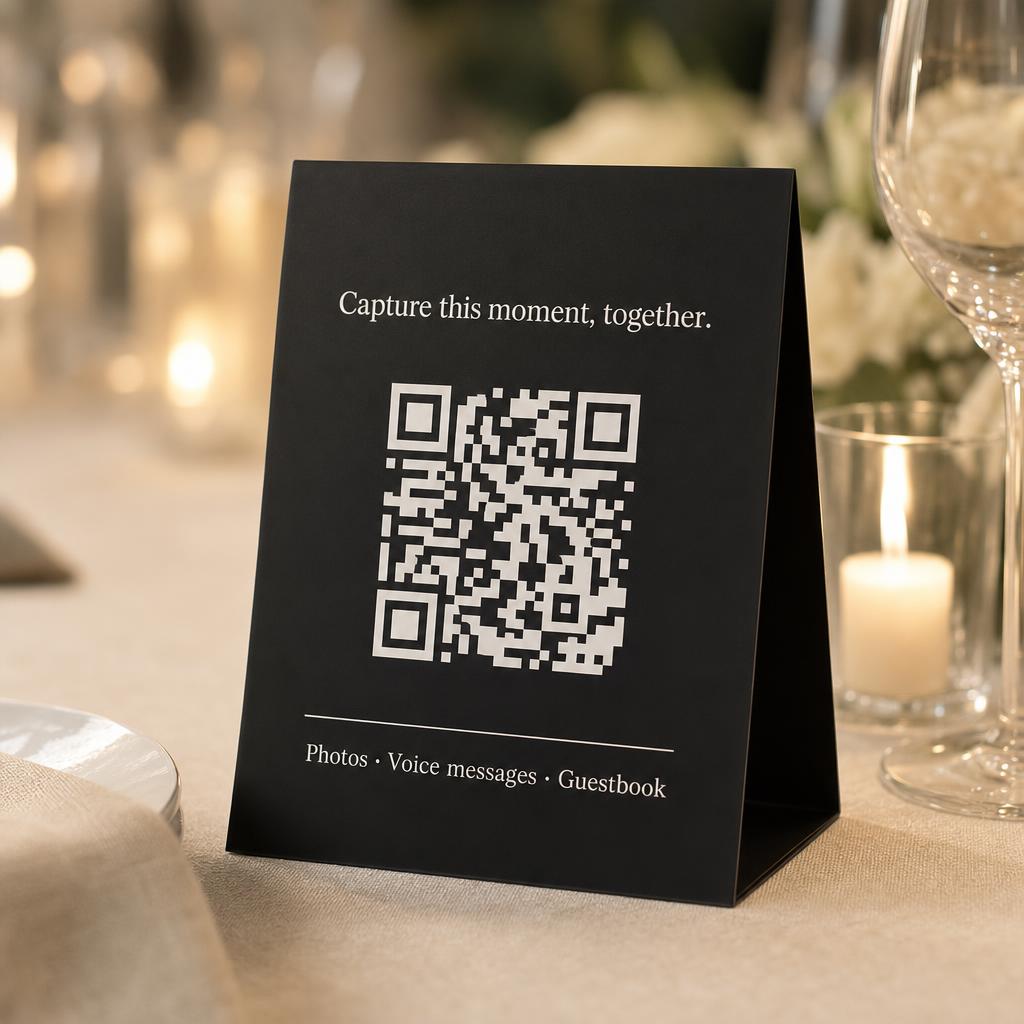
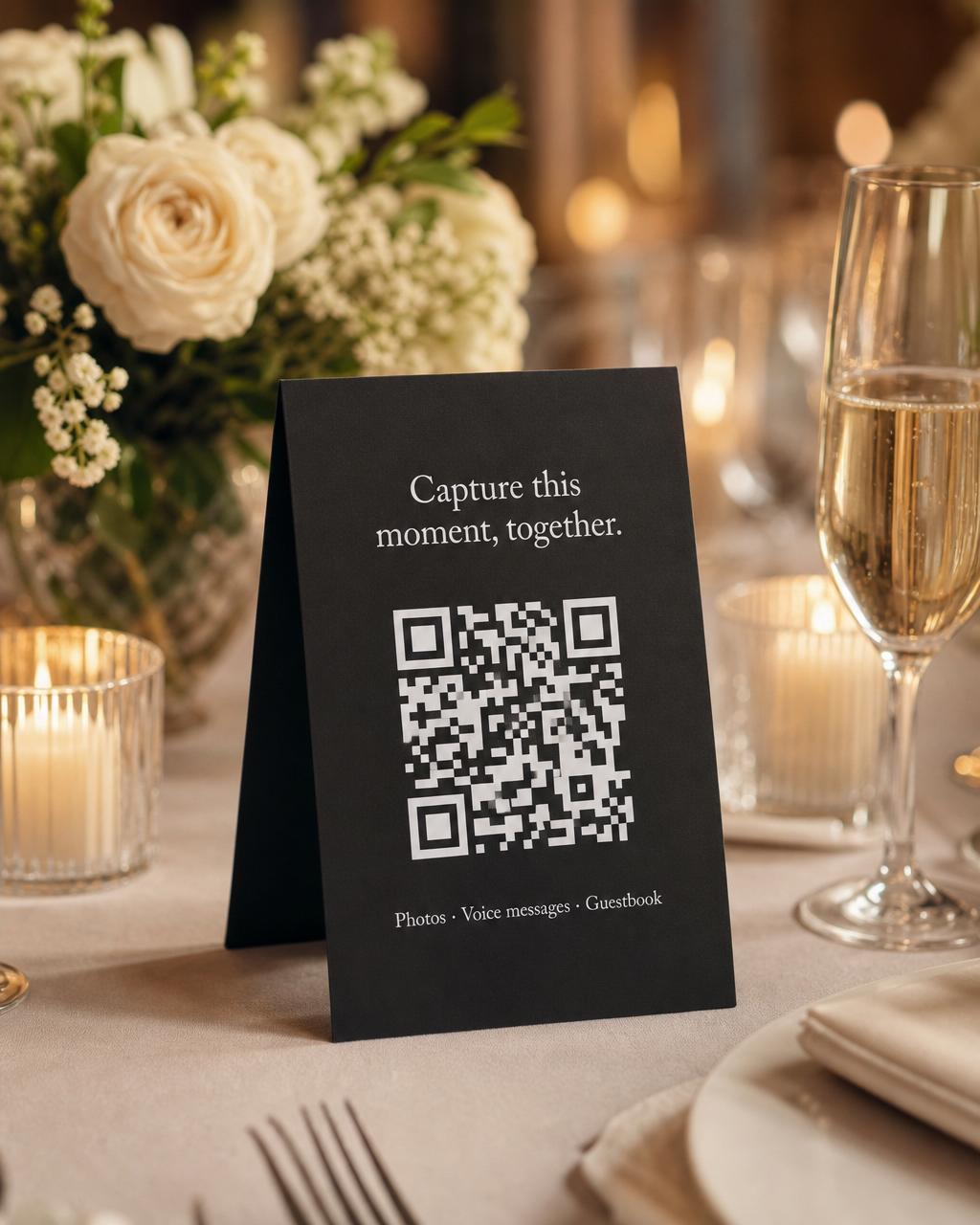
Point any phone camera at this code. iPhone, Android, an old work phone in the drawer. The camera opens in the browser, you pick a name, and you are shooting. No app store, no install, no account.
Opens in this browser. No app, no signup.
Real Grain interface
Your guests open their camera, scan the QR, and start shooting. There is nothing to install, nothing to log in to, no account to make. Older phones included.

Why grain
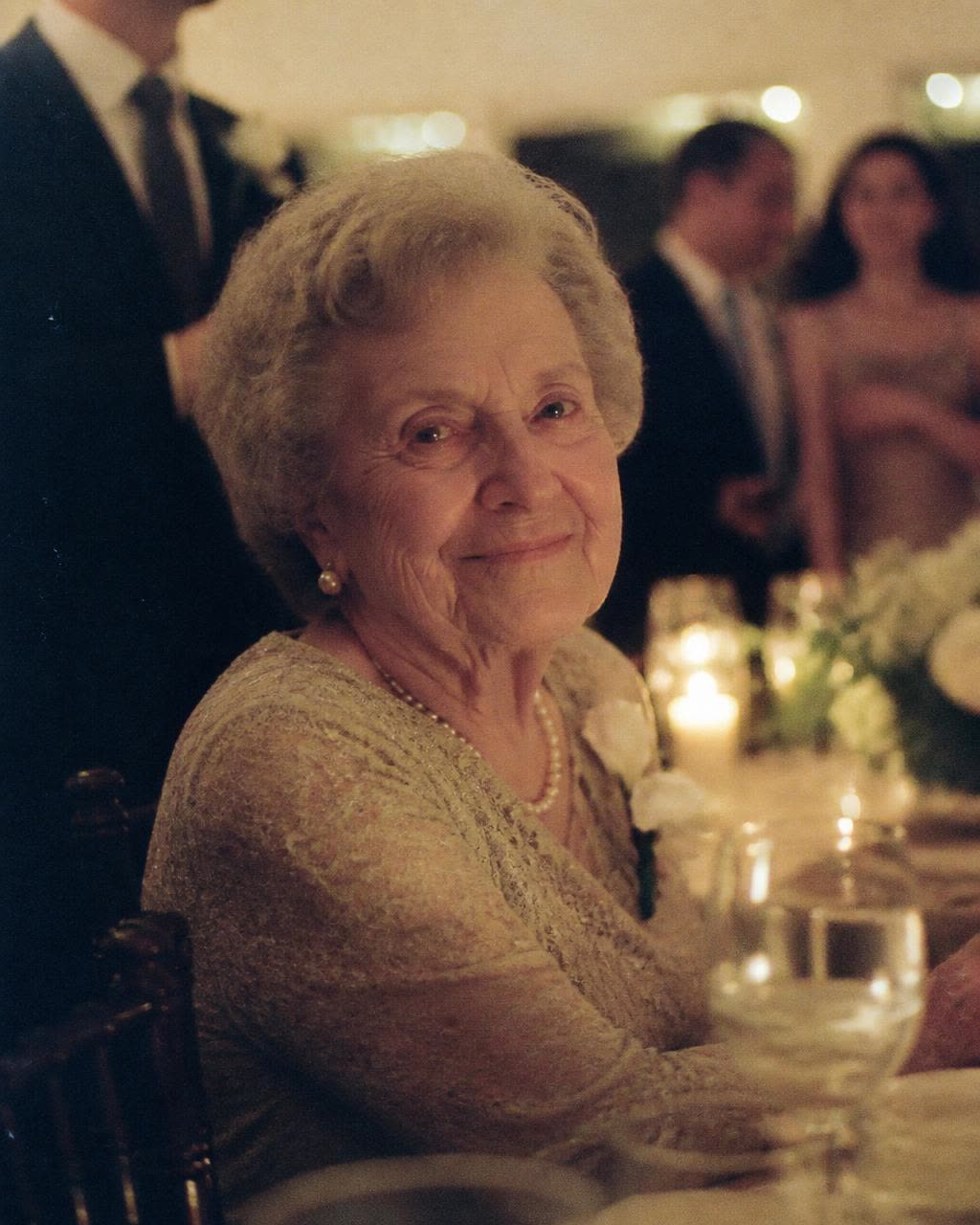
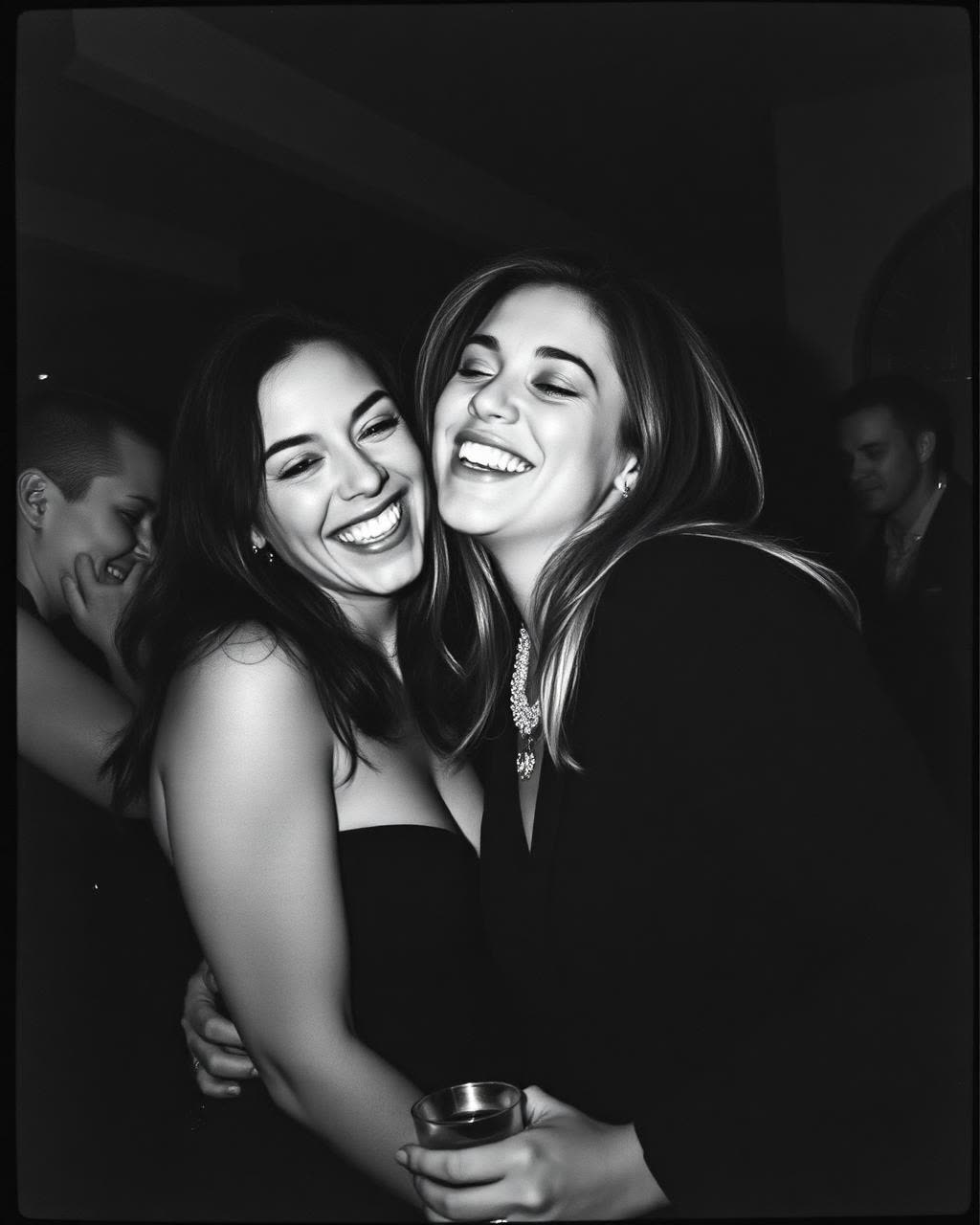
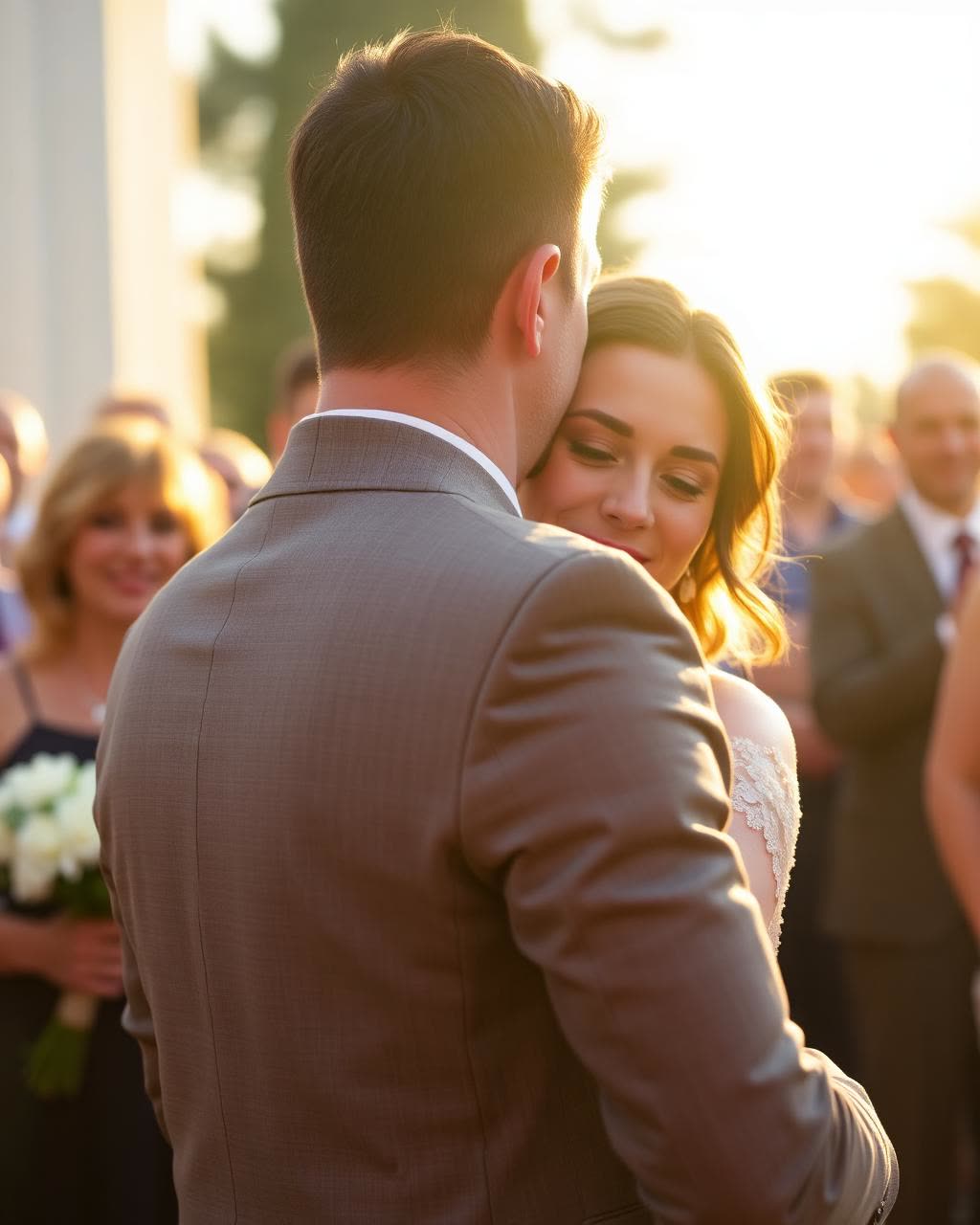
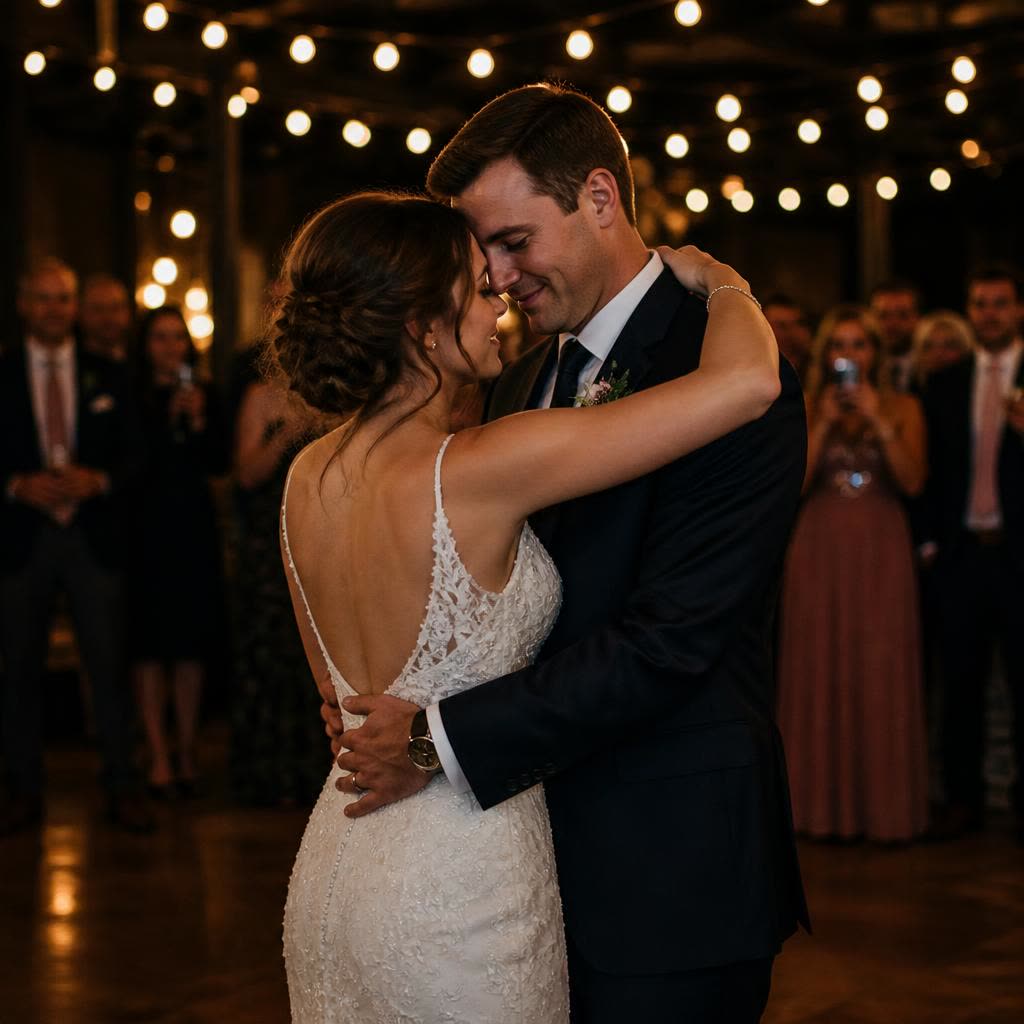
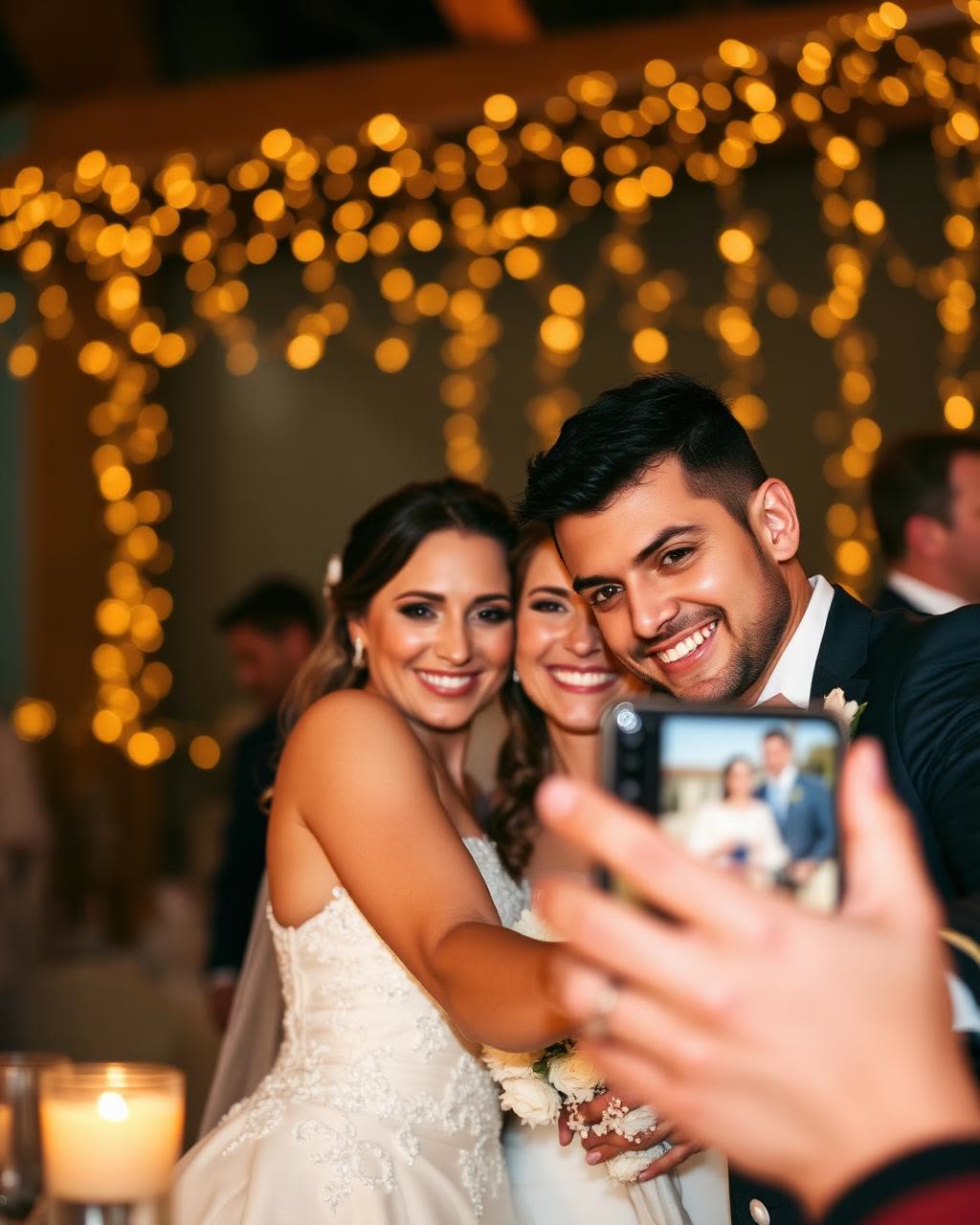
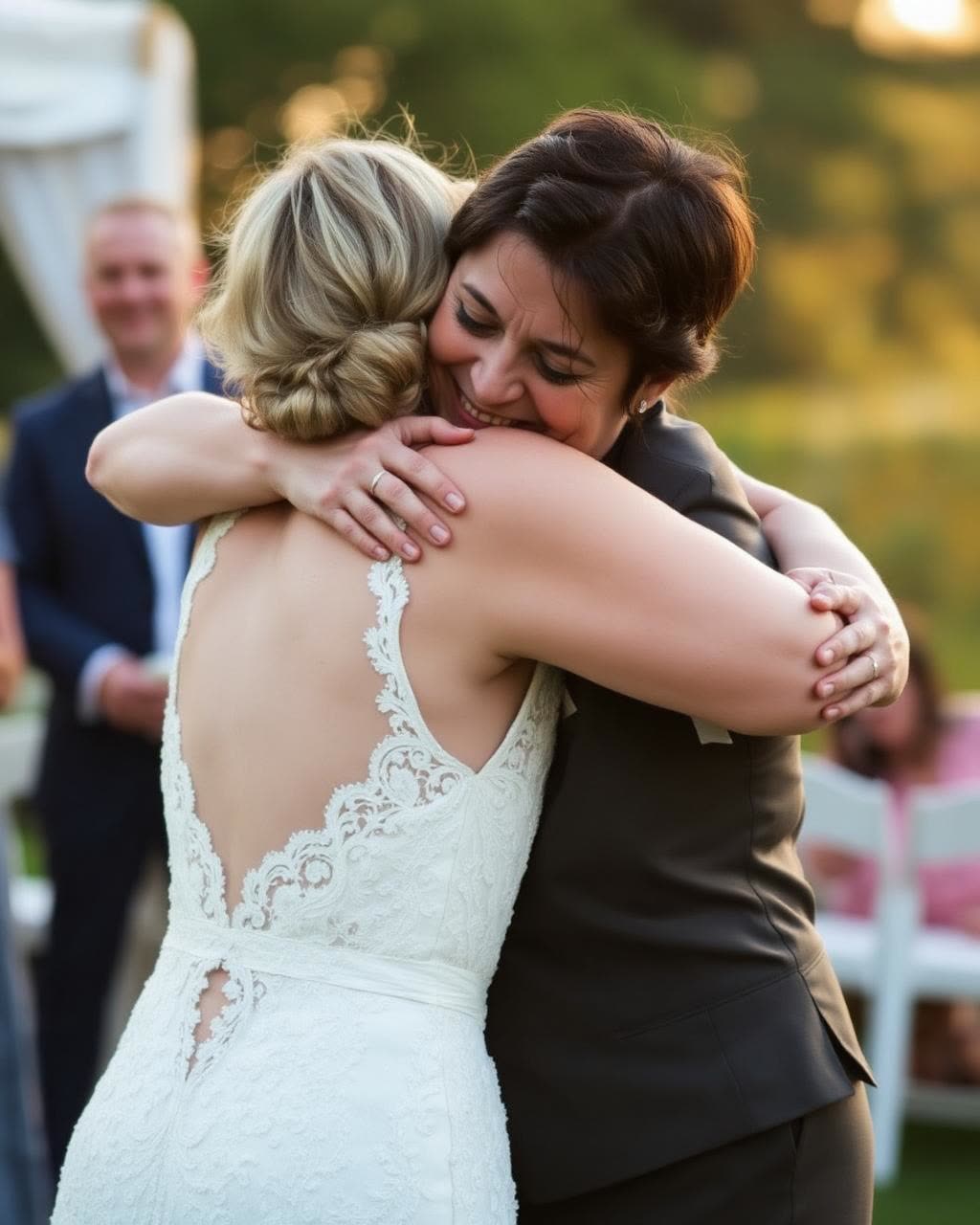
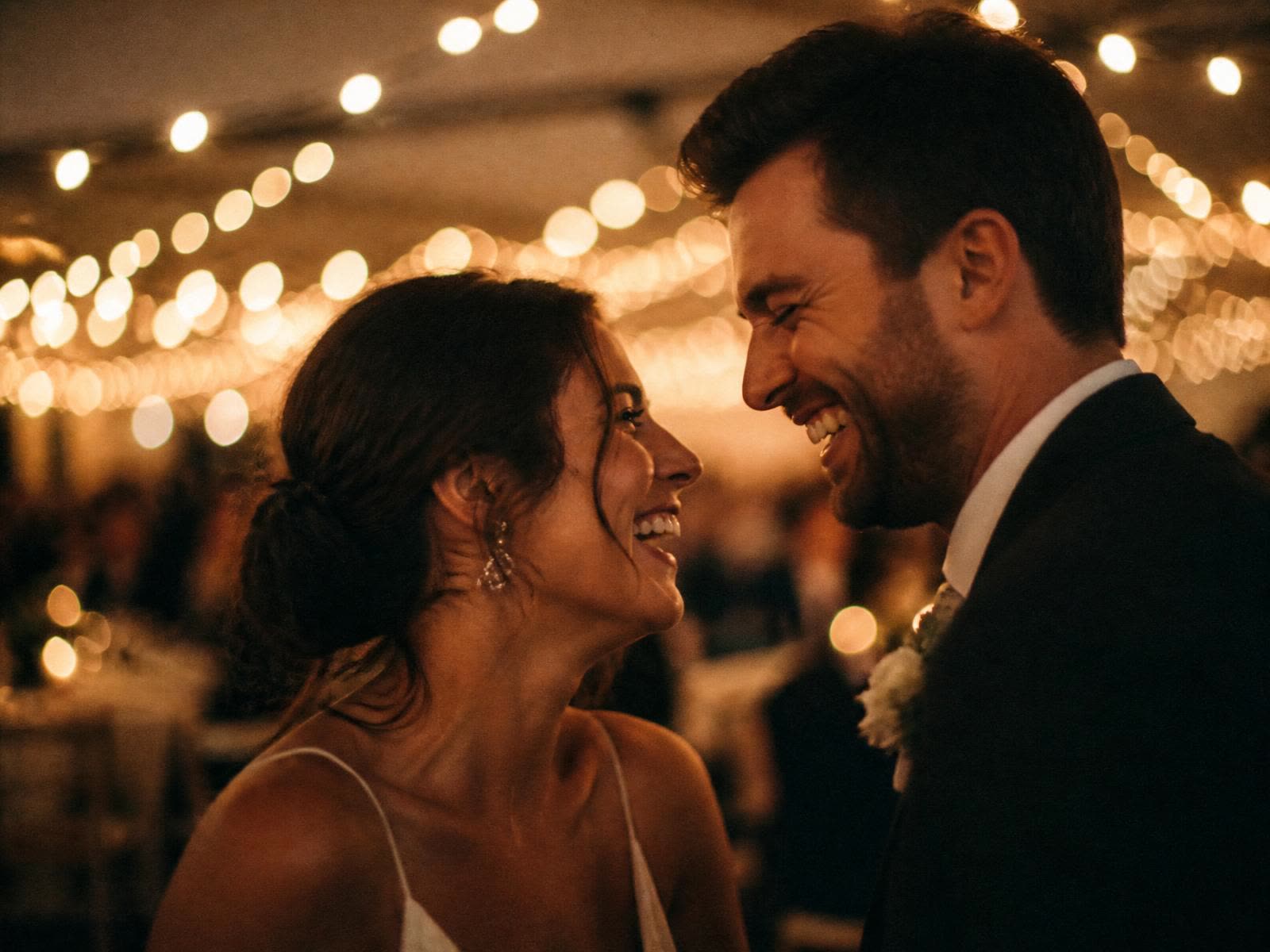
The toast you missed. The hug on the dance floor. The quiet smile from your grandmother across the room. The shots you were never in, gathered into one roll, opened together.


The difference
Grain runs in any phone browser. iPhone, Android, older devices. App Clip alternatives lock out the half of your guests on Android.
Anticipation, not a live feed. The roll stays hidden until the moment you set, then opens together.
Classic, black and white, faded. The look is chosen by the host and applied to every shot, so the roll feels like one camera.
Set the reveal time, the shots per guest, the retention window. The roll behaves the way you want it to, every step of the night.
Works on every phone
Your guests open their camera, scan the QR, and start shooting. There is nothing to install, nothing to log in to, no account to make. Older phones included.
Scan the QR
Any phone camera. No app store.
Pick a name
One tap. No email, no account.
Start shooting
Capture the night in the browser.

How it works
Developing
02h 14m
The roll opens together
Host dashboard
Step 01
Set a reveal time, a shots-per-guest limit, and a film look. Two minutes.

You're invited
Invited by family and friends
Reveals in 02d 14h · 12 shots to take
Guest join screen
Step 02
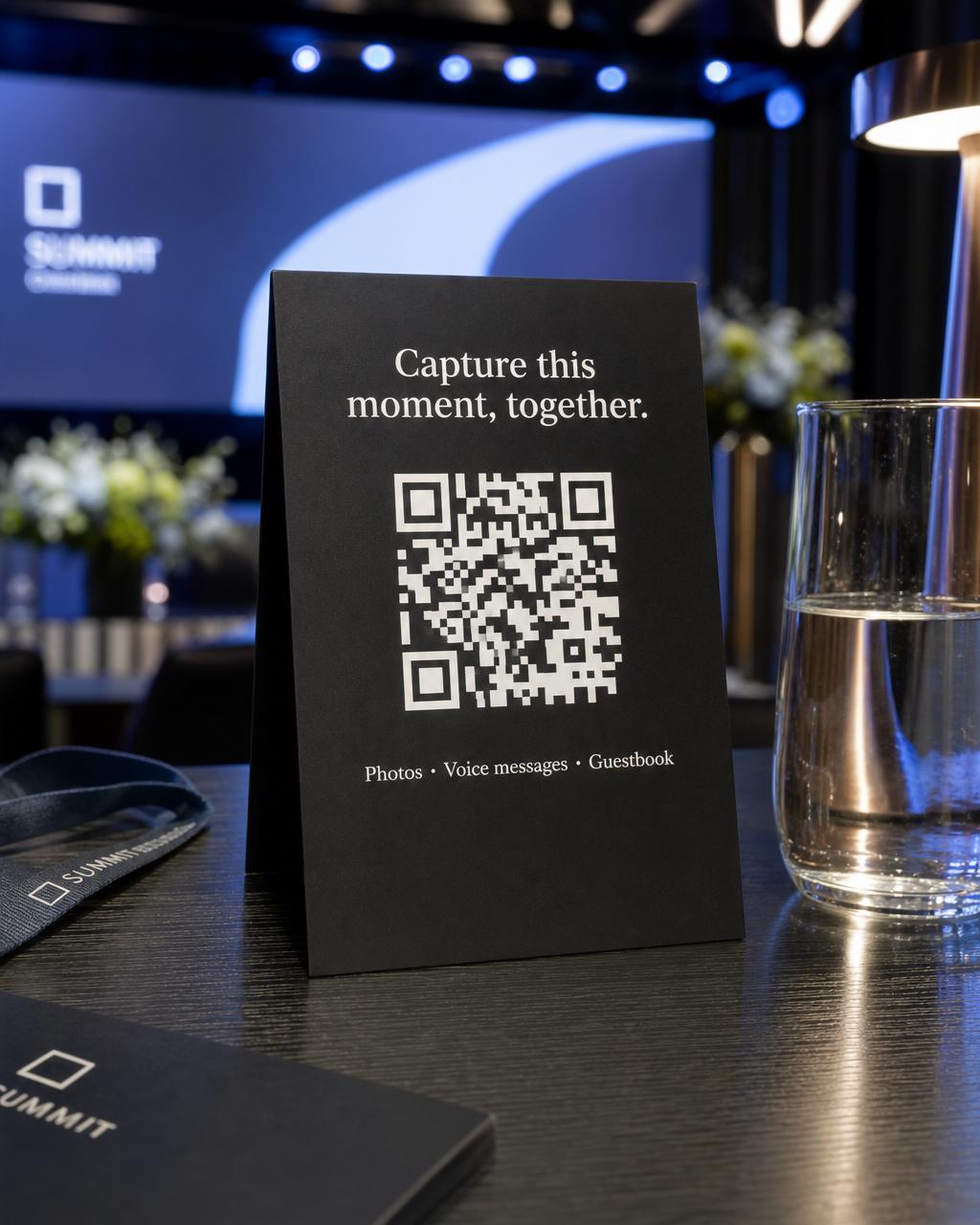
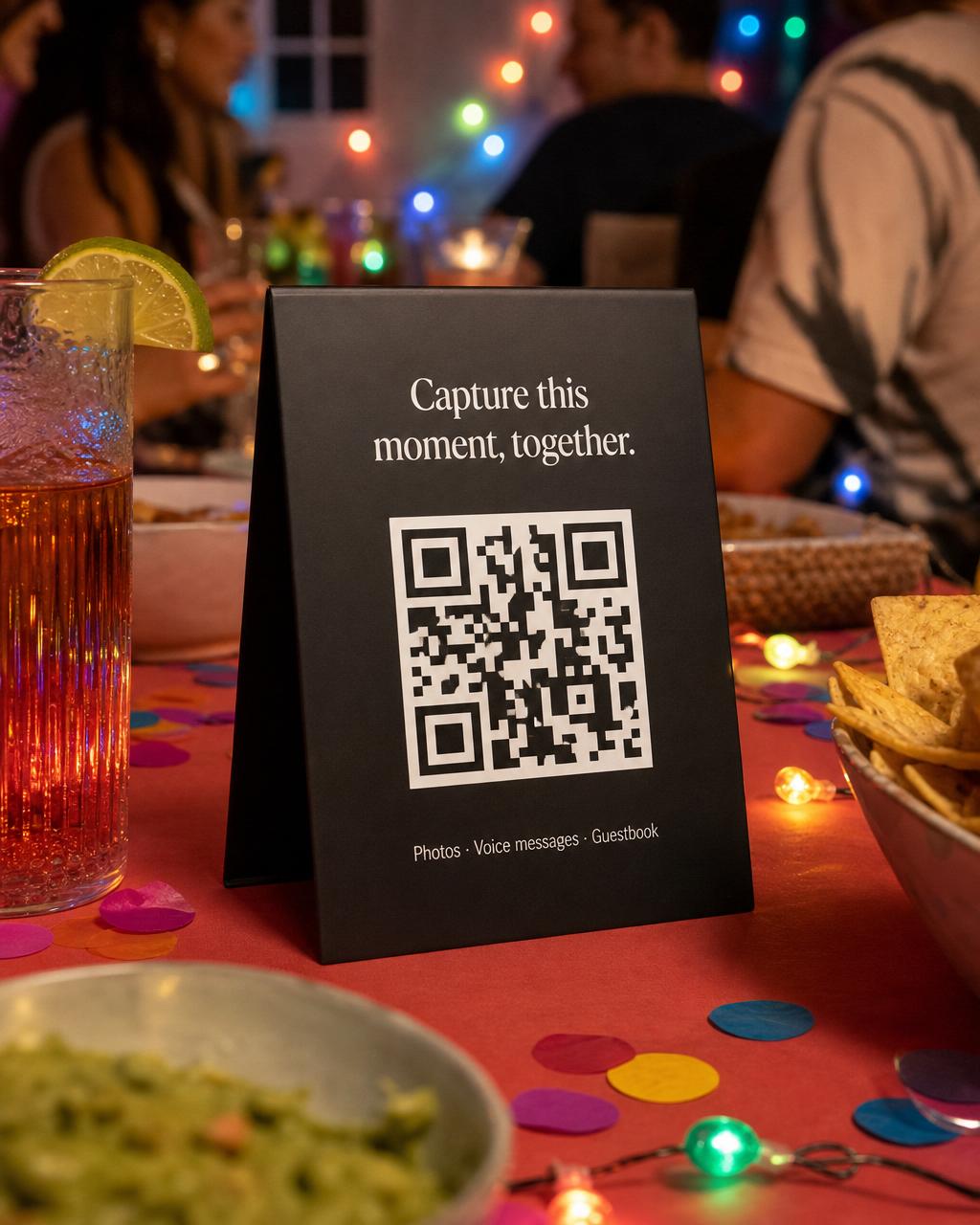
Print it, put it on the menu, drop it on every table. Guests scan and join.

Capture, with counter
Step 03
Everyone shoots through the night. The frame counter keeps the roll real.
Photos stay hidden until the reveal
02d 14h
Your shots


Reveal countdown
Step 04
At your set time the roll develops. Guests see every shot at once.
Two ways to capture

Photos stay hidden until the reveal
02d 14h
Your shots


Private by design
Scan, pick a name, shoot. Nothing to install, nothing to sign up for.
A display name is the only identity. No phone numbers, no email, no profiles.
GPS and device metadata are removed before a photo ever lands on the roll.
Photos and files are removed on the retention window you set. Not archived, not flagged. Gone.

One night
Hand out the QR. Let the night develop the way it actually happened, from every angle, in everyone's hands.
Two minutes to set up. No card required.